


Skip to content

Live server status

CloudPVP • Multi-Gamemode Server

Drop into Extinction, Streetfight, Free For All, Arena and Open Arena. Skill-based GTA V PvP with a global RedZone, contested airdrops, squads and deep tuning.

Discord Members
3,000+
Registrations
2,000+
Instagram Followers
800+

How can I play?

  1. Grand Theft Auto V1 Step

    Buy a Grand Theft Auto V license

    Whether on Steam, Epic Games or Rockstar Games, any PC copy works.

  2. FiveM2 Step

    Install FiveM Multiplayer

    The free multiplayer client for Grand Theft Auto V. Install it once and you are ready.

  3. CloudPVP3 Step

    Join CloudPVP

    Hit connect and FiveM drops you straight onto the server, or search “CloudPVP” in the server list.

Pick Your Gamemode

Five ways to fight on one server, from private 1v1 rooms to full squad survival.

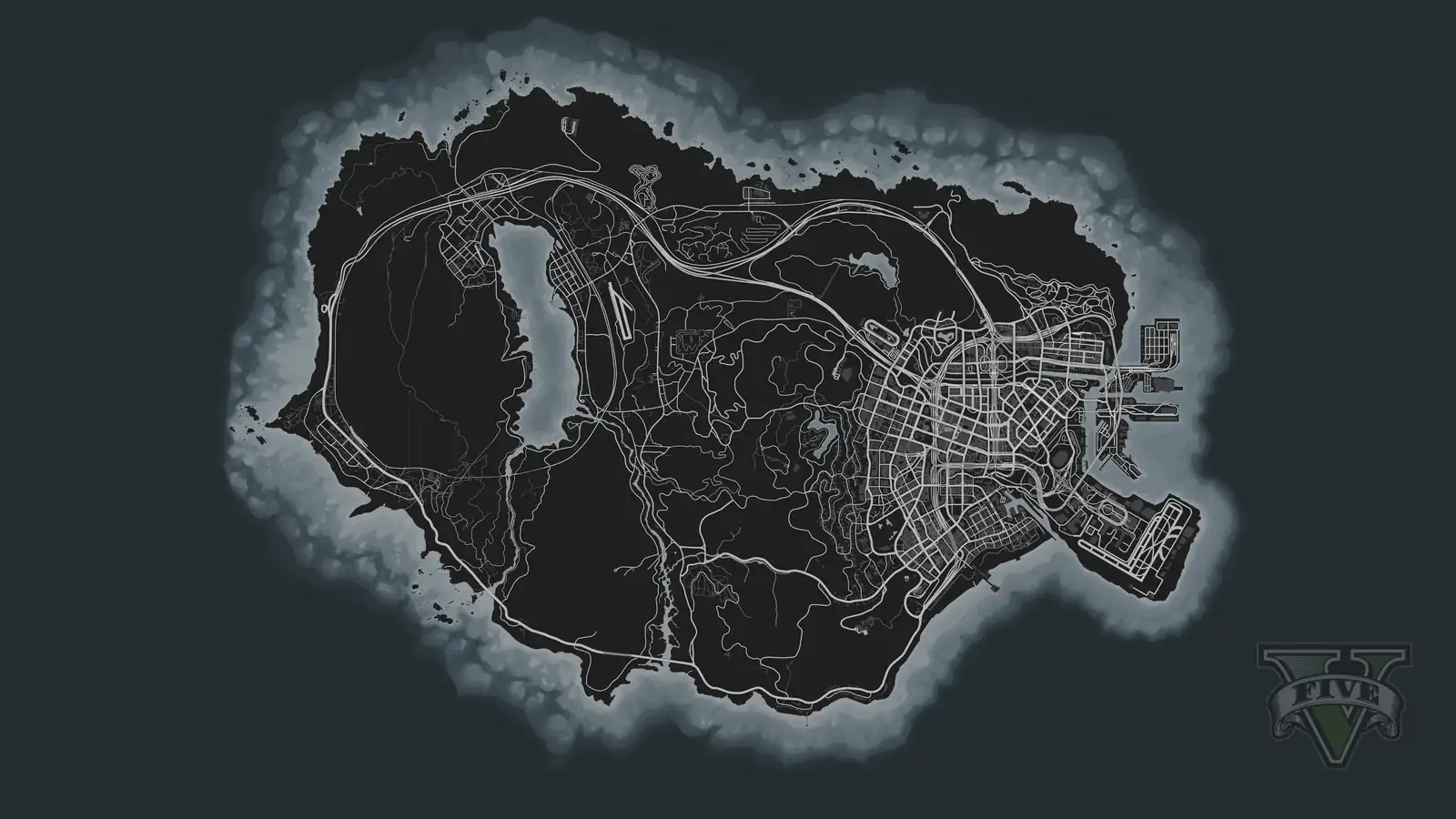
Extinction: a biker survivor over the map of Los Santos
Survival
Gamemode 01

Extinction

Pick a SafeZone on the map, spawn with nothing and fight for everything. Weapons, ammo and cars are all loot. Die and your bag drops for whoever gets there first. Stash your haul, gear up at the vending machine and roll out with your squad.

  • Loot and death bags
  • SafeZone shop, locker and ATM
  • Squads and gangs
Play Extinction
Streetfight: two armed fighters on a Los Santos street
Team PvP
Gamemode 02

Streetfight

Team-based open-world warfare. Spawn at your crew’s base in team colors, switch weapons on the fly from your arsenal and pull your ride from the team garage. Every kill heals you, and kills inside the RedZone pay extra.

  • Team bases and garages
  • Pistol, SMG and rifle arsenal
  • RedZone bonus
Play Streetfight
Free For All: a fighter with a rifle in front of an arena map
Deathmatch
Gamemode 03

Free For All

Pure map-based deathmatch. Pick a map, spawn with its weapon set at full health and armor, and every kill refills you to the max. No traffic, no NPCs. Just aim, movement and a live kill feed.

  • Full refill on every kill
  • Bodyshot or Headshot Only
  • Headshot bonus
Play Free For All
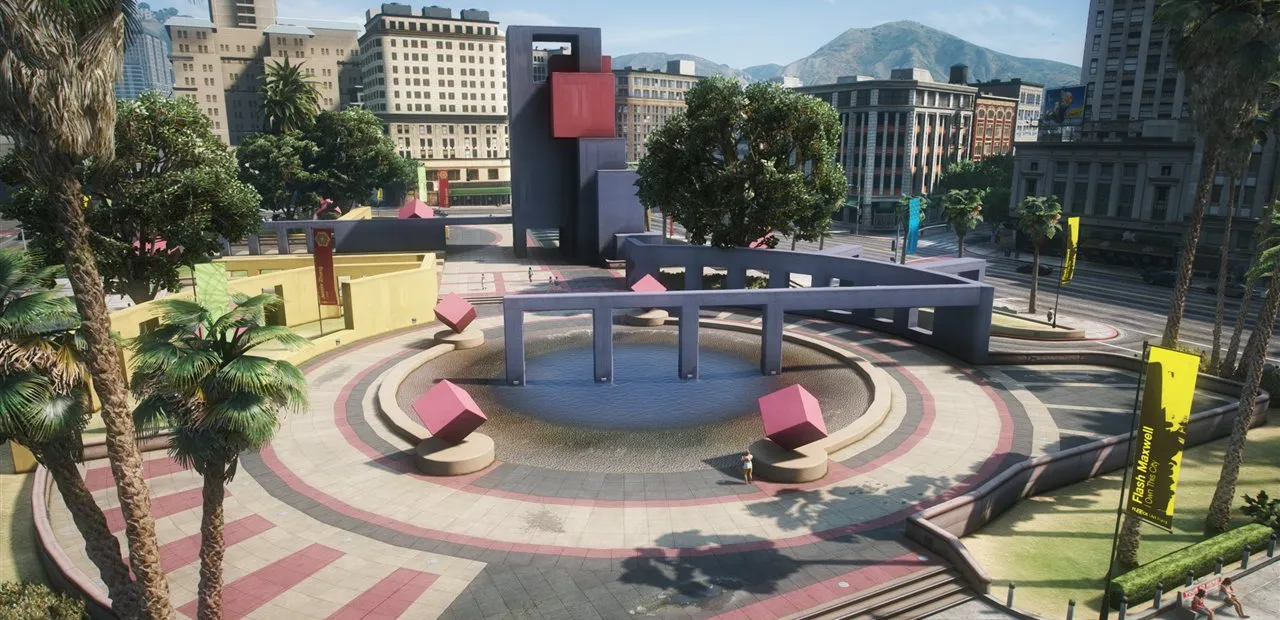
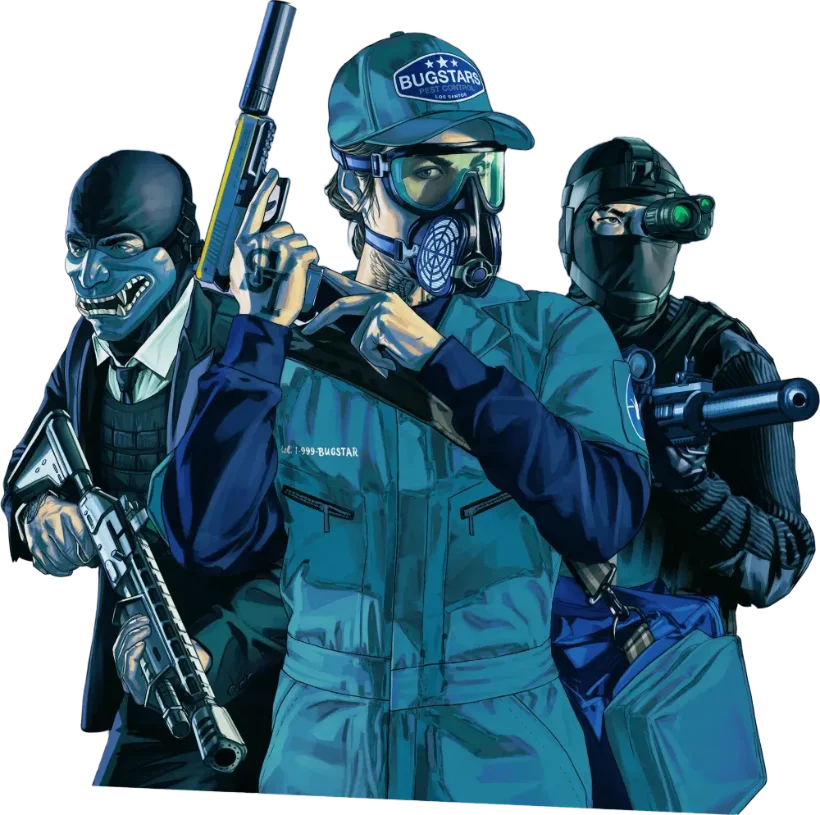
Arena: a three-player crew with rifles and pistols on Legion Square
Custom Rooms
Gamemode 04

Arena

Open your own room from 1v1 up to 10v10 and set the rules: map, weapons, vest, medkit, Headshot Only and best of 5 to 13. Invite your friends or share the room code, sort the teams and start. There are no respawns. Whoever falls spectates a teammate until the round is decided.

  • 1v1 up to 10v10
  • Your map, your weapons
  • Private rooms with password
Play Arena
Map Vote
Gamemode 05

Open Arena

One click and you are in: free for all on our own custom-built maps out at sea. Spawn away from the enemy, fight, and every kill refills your health and armor. Every ten minutes the game pauses for a map vote, and the winner is played next.

  • Three custom-built maps
  • Map vote every 10 minutes
  • Up to 40 players
Play Open Arena

Built for Competitive PvP

A deep sandbox of systems built around skill, teamwork and the time you put in.

One zone. Whole lobby.

Global RedZone

Live

A live PvP hotspot that keeps moving across the map. Fights inside the zone pay out extra rewards.

Moves across the map Play now

Mark it. Call it.

Compass and Pings

Comms

A compass strip on your HUD and pings in the world: mark a spot and your squad and gang see it in the world, on the minimap and on the compass.

Shared with your team Play now

Chain kills. Call it in.

Killstreaks

Rewards

Kills in one life build your streak and unlock rewards like an enemy scan, an airstrike or your own airdrop. Use them whenever you are ready.

Use them when you want Play now

Crates worth dying for.

Contested Airdrops

Loot

Supply crates drop into the RedZone. Claim one and hold your ground while you open it.

Drops into the RedZone Play now

See how you died.

Kill Cam

Combat

After a death you see exactly what your killer saw, aim and scope included, before you respawn.

After every PvP death Play now

Squad up. Outlast them.

Squads and Gangs

Co-op

Team up in squads with shared status and map markers, or build a persistent gang with your crew.

Play together Play now

Eyes in the sky.

Recon Drone and Airstrike

Gadgets

Fly a recon drone to scout the area, or mark a target from the air and call in a rocket salvo.

Extinction gadgets Play now

Your aim, your rules.

Damage Modes

Combat

Pick Bodyshot or Headshot Only. Each damage mode plays in its own world, so the two never mix.

Bodyshot or Headshot Only Play now

Make it truly yours.

Weapon and Vehicle Tuning

Customization

Fit your weapons with attachments and tune your vehicles, both their look and their performance.

Attachments and tuning Play now

Everything is loot.

Loot and Inventory

Survival

Find weapons and gear out in the world, manage them in your inventory and stash what you want to keep.

Stash what you keep Play now

Build your own gear.

Crafting

Crafting

Turn the materials you collect into useful items at the workbench in every SafeZone.

SafeZone workbench Play now

Deal, not steal.

Player Trading

Economy

Swap items and money with other players in a secure trade window. Nothing moves until both of you confirm.

Both sides confirm Play now

Earn it. Rank up.

Economy and Ranked Stats

Progression

Earn money in every gamemode, keep it safe at the bank and climb the levels. Your kills, deaths and streaks are tracked.

Progress in every mode Play now

Top players. Set in stone.

Leaderboard Statues

Hall of Fame

The best players on the leaderboard stand as statues on a podium in the SafeZones, and they change as the ranking does.

Updated live Play now

Look the part.

Character Creator

Style

Style your character from heritage and face to hair and details, and keep a separate look in every gamemode.

Your look per gamemode Play now

Leave your mark.

Kill Effects

Cosmetic

Choose an effect like fireworks, confetti or money rain that plays where your opponent goes down.

Purely visual Play now

Not just players out there.

Zombies

PvE

Zombies roam outside the SafeZones in Extinction. Keep moving, or the horde catches up with you.

Outside the SafeZones Play now

Everything at a glance.

Competitive HUD

Interface

A clean HUD with kill feed, weapon and ammo, zone indicator and speedometer, so you always know what is going on.

Kill feed and more Play now

Frequently Asked Questions

You need a PC copy of GTA V and the free FiveM client. Start FiveM, search for CloudPVP in the server list or use the Connect button in the How can I play? section, and make sure your Discord account is linked to FiveM.

Yes. The server recognises you by your Discord account, so link Discord in FiveM before you connect. Our Discord is also where you get support, news and event announcements.

After you log in, you pick a damage mode. With Bodyshot every hit counts the same wherever it lands; with Headshot Only only hits to the head deal damage. Both modes play in separate worlds. Extinction and Open Arena always use Bodyshot, and every Arena room sets its own rule.

No, every gamemode keeps its own progress. Your money, your gang and your character's look belong to that mode, and your stats are tracked separately for each one.

Every gamemode runs a server-side anticheat that checks what happens in the game against what the server handed out itself, and our staff are online with spectate tools. If you see something suspicious, report it on our Discord.

Sign in to the player panel to see the reason and the duration under Record. If you think the ban was a mistake, open an appeal on our Discord and our team will review it.

Yes. Apart from GTA V and the free FiveM client you don't need anything to play. Optional packages help us keep the server running.

Extinction is open-world survival with loot, Streetfight is team-based PvP with bases and garages, and Free For All is map-based deathmatch. In Arena you open your own room and play round-based team matches from 1v1 to 10v10 against your friends, and Open Arena is free for all on our own maps with a map vote every ten minutes.

In Extinction you can team up in a squad or found a gang with your crew. Squad and gang members see each other on the map and share pings. For private matches, create an Arena room and invite your friends or share its code.

The in-game interface is available in English, German, French, Turkish and Russian.

Sign in to the player panel with Discord via Account at the top of the page. It shows your stats for every gamemode, your login history, your record and your packages.

Invite your friends, join our Discord and give us feedback. Optional packages also help us cover the server costs.

Join Our Discord server

Be the first to hear about CloudPVP updates and events, team up with squads, get support and help shape what comes next. Hundreds of players are already in. Drop by and find your next match.

Join Discord

Our partners

We are proud of our partners. Do you think you’re missing here? Get in touch.

  • CloudPVP